Mod pressure
One bad update or conflict can ripple through the whole community if your workflows are weak.
DRACO NEST handles mods, backups, diagnostics, and day-to-day control in one environment so you stop firefighting every update and every late-night crash.
Reduce downtime → See how DRACO NEST supports ARK
Mods • clusters • backups • Draco AI — built for serious ARK hosting.
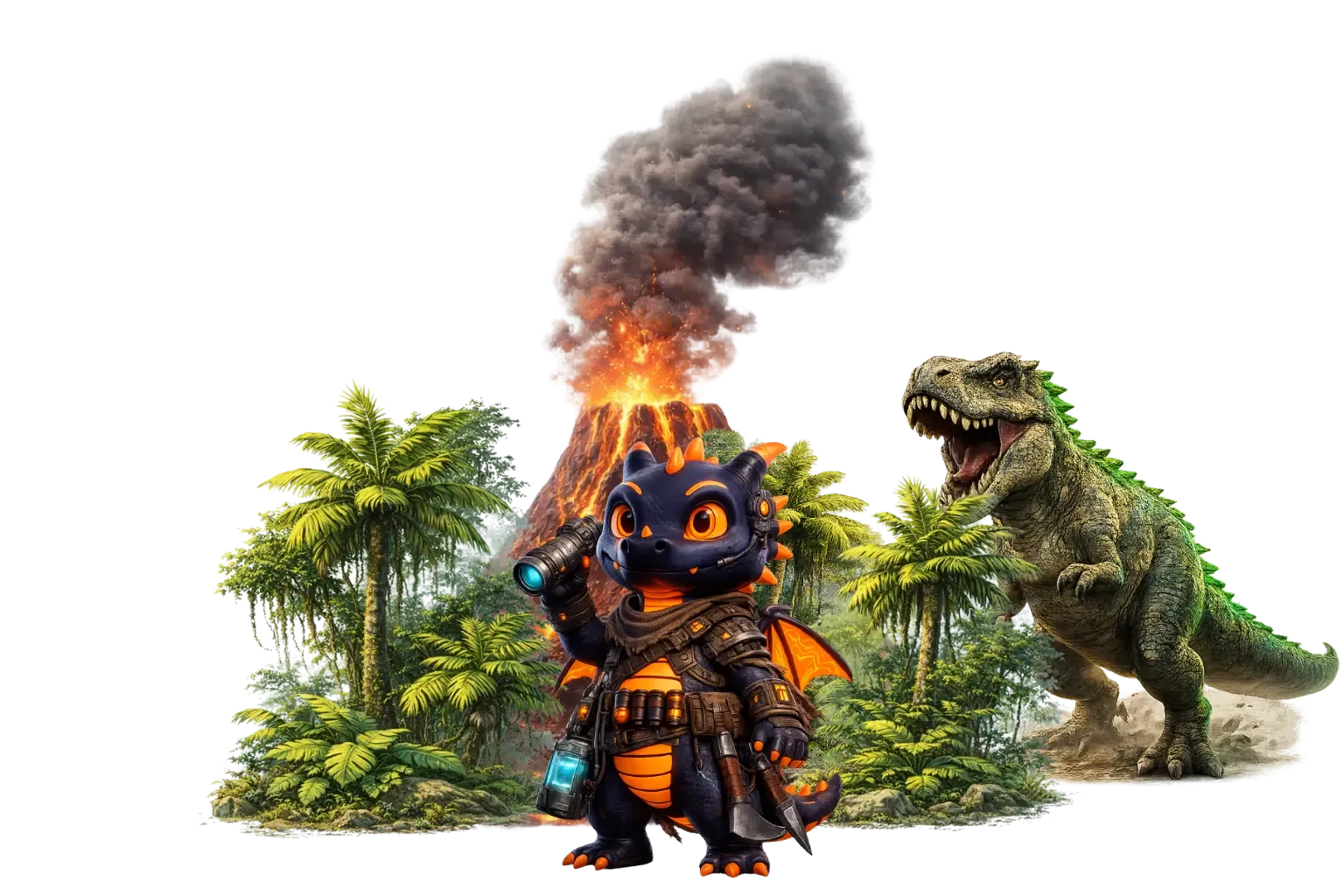
Running ARK is not just about getting a server online. Mods, clusters, updates, logs, and community expectations create real day-to-day pressure. DRACO NEST is positioned to reduce that pressure so admins can lead the world instead of babysitting the stack.
One bad update or conflict can ripple through the whole community if your workflows are weak.
Multi-map communities need stronger discipline than generic one-click hosting usually offers.
Backups, diagnostics, and routine control belong in one place when the world keeps moving.
The real goal is not just uptime. It is keeping tribe activity, events, and momentum alive.
Stability, control, mod workflows, and fewer late-night firefights in one environment.
Stable performance for long-running worlds, heavier mod stacks, and communities that cannot afford random downtime.
Manage your server, backups, and routine admin work from one place instead of stitching together five tools.
Handle mod workflows without turning every update into a fresh incident.
Automated backups and infrastructure protection reduce the blast radius when ARK decides to be brutal.
Modern Engine or Classic Stability?
 Unreal Engine 5
 Remake on Unreal Engine 5 with modern graphics, cross-platform mods, and improved mechanics. Requires high-end hardware.
 Classic
 The original game version. Stable, proven, with a massive mod base and lower hardware requirements.
Start with The Island for a classic experience or try Ragnarok for more resources and content.
Adjust taming, harvesting, and XP rates in server settings to match your community preferences.
Link multiple servers together so players can transfer characters and items between maps.
Browse available mods in the panel and install them with one click.
ARK: Survival Evolved (ASE) is the original, proven version of the game with a massive mod base. For smooth performance, 8GB RAM is usually sufficient, and the game itself has dozens of free maps available.
Yes! You can create an ASA or ASE cluster. When creating a server, select "Existing Cluster" and provide the cluster name. Players will be able to transfer characters and items between servers in the cluster.
Install mods from the server panel in the "Mods" tab. Search for a mod by name, pick it from the results list, and click install. You do not need to know the Mod ID because the panel uses the built-in search and catalog. Server restart usually takes about 2-3 minutes.
AI Assistant is an AI helper inside the server panel. You can ask questions about configuration, troubleshooting, commands and more. Tier 0 = 50 queries/day, Tier 1 = 150, Tier 2 = 500.
Yes! In the server panel you can change the map at any time. Available maps depend on the version (ASA: TheIsland_WP, ScorchedEarth_WP, etc. | ASE: TheIsland, Ragnarok, Valguero, etc.).
Yes! The system creates backups every 24h (last 3 backups). You can also create manual backups at any time. Restore takes about 5 minutes.
Move your community to an environment built to reduce chaos and return time to the people running it.